
PoE Power Over Ethernet Explained
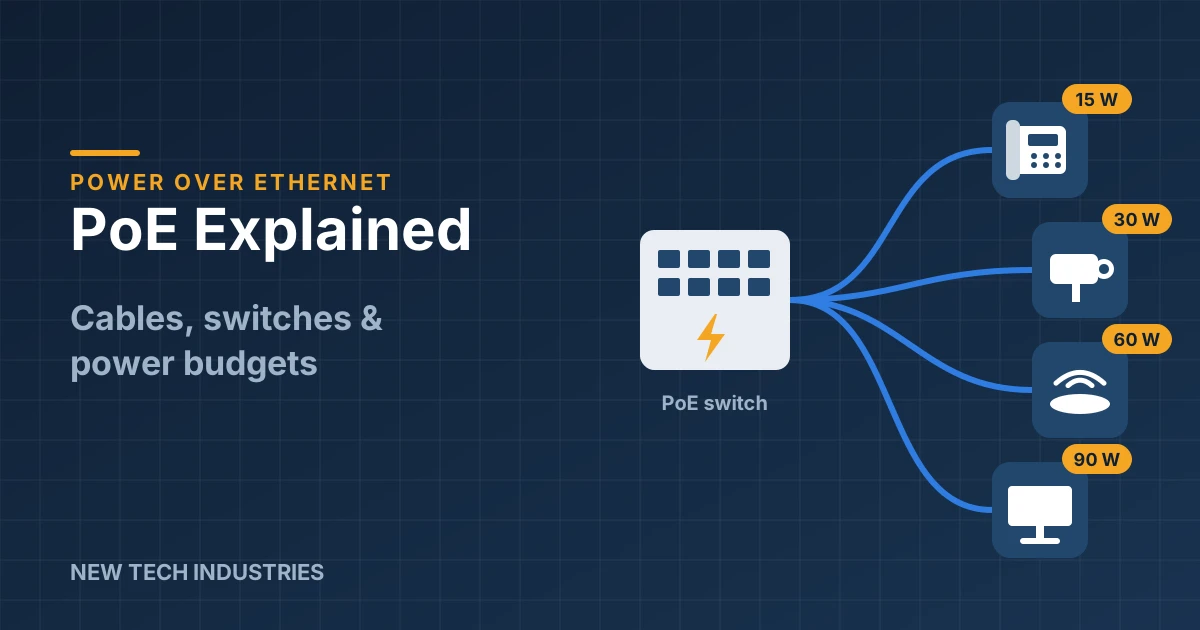
Power over Ethernet (PoE) sends data and power down the same network cable. One cable to each camera, access point or phone, and no electrician needed at every mounting spot. It's easy to love, until the cameras start rebooting at 2 a.m. because nobody checked the power budget.
Here's what you need to know about the standards, the cable and the switch.
The standards at a glance
| Name | IEEE standard | Power at the switch port | Power at the device | Typical devices |
|---|---|---|---|---|
| PoE | 802.3af (Type 1) | 15.4 W | 12.95 W | VoIP phones, basic cameras, sensors |
| PoE+ | 802.3at (Type 2) | 30 W | 25.5 W | PTZ-lite cameras, Wi-Fi 6 access points, video phones |
| PoE++ / 4PPoE | 802.3bt (Type 3) | 60 W | 51 W | PTZ cameras, multi-radio APs, small displays |
| PoE++ / 4PPoE | 802.3bt (Type 4) | 90 W | 71.3 W | Heated outdoor PTZs, thin clients, digital signage, LED lighting |
The device always gets less than the port sends, because some power is lost as heat in the cable. Plan with the device figure.
Which cable?
- Cat5e handles PoE and PoE+ without trouble.
- Cat6 uses thicker 23 AWG conductors, so it runs cooler. It's a solid default for cameras and APs.
- Cat6A is the best choice for high-power 802.3bt and big bundles, where heat builds up. It also leaves room for multi-gig access points.
Two rules that don't bend:
- 100 meters (328 ft) maximum per run, patch cords included. Beyond that, use a PoE extender or switch to fiber with a media converter.
- Solid copper only. Never CCA (copper-clad aluminum). CCA has higher resistance, so it runs hot under PoE, drops voltage and doesn't meet code. A cheap box of CCA can turn into a very expensive callback.
Switches and the power budget
A PoE switch has two limits: how much power each port can deliver, and the total power budget for the whole switch. A "24-port PoE+" switch usually can't run all 24 ports at a full 30 W. Check the budget on the spec sheet.
Worked example: a small office with 8 cameras and 2 access points.
| Device | Qty | Max draw each | Total |
|---|---|---|---|
| IP camera (PoE) | 8 | 10 W | 80 W |
| Wi-Fi access point (PoE+) | 2 | 20 W | 40 W |
| Total | 120 W |
Add about 25% headroom for heaters, IR at night and future additions, and you're looking at roughly 150 W. So pick a switch with a budget of at least 150 W and PoE+ on the AP ports.
Only have one or two devices to power, or a non-PoE switch you want to keep? A PoE injector adds power to a single run.
Mistakes that cause callbacks
- Ignoring the power budget. Everything works on day one. Then the night IR kicks in and cameras start dropping.
- Mixing passive and standard PoE. Some older gear uses "passive" 24 V or 48 V PoE that skips the handshake. Plug it into the wrong port and you'll find out what burnt electronics smell like.
- Using CCA cable. We said it once already. We'll say it again.
- Going past 100 m. The link may come up, then flicker under load.
- Bad terminations. A loose or poorly crimped RJ45 plug adds resistance and heat. Test every run with a proper cable tester.
Shop the gear
- PoE switches and industrial switches
- PoE injectors and products
- Cat5e, Cat6 and Cat6A bulk cable
- Patch cords, patch panels and keystone inserts
- Security and CCTV products
New Tech Industries has supplied network and security installers since 1982. Send us your device list and we'll help you size the switch.