
How to Install a Data Network: A Step-by-Step Guide
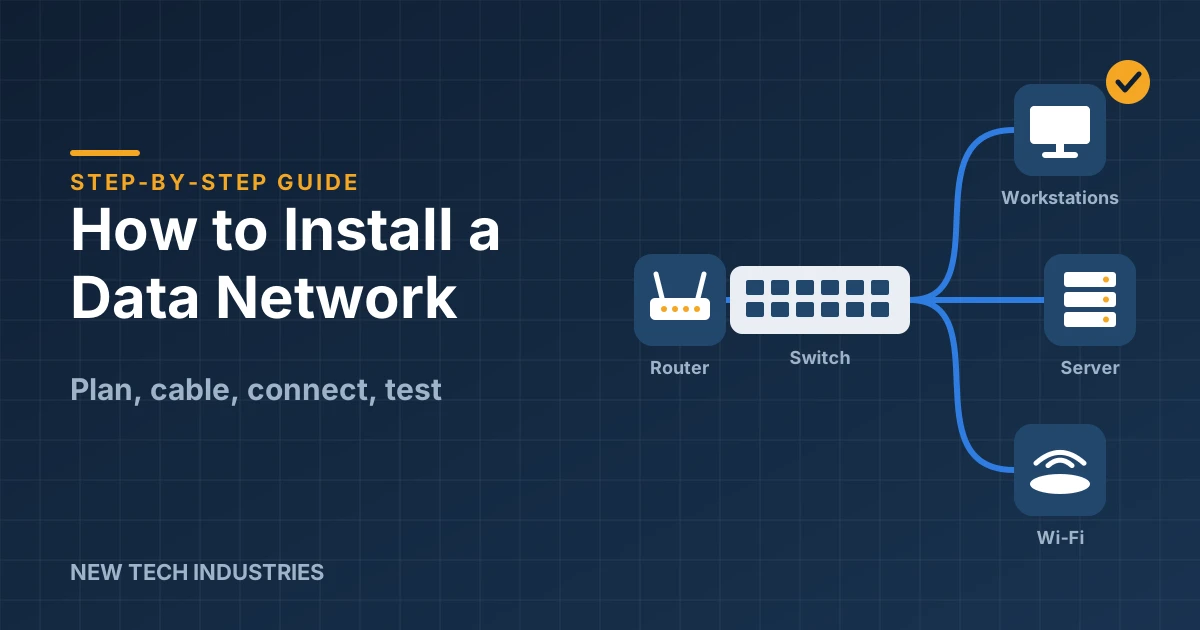
Data networks are essential for any business that relies on the internet, data storage, communication, and security. A data network is a system of devices that are connected by cables or wireless signals to share information and resources. Installing a data network can be a complex and challenging task, but with proper planning and preparation, you can do it yourself or hire a professional network installer. In this blog, I will show you the basic steps to install a data network for your business.
Step 1: Decide on a Network Type
The first step to install a data network is to decide what type of network you want to use. There are three main types of networks: wired, wireless, and hybrid.
- Wired networks use physical cables, such as ethernet or fiber optic cables, to connect devices to a central hub, router, or switch. Wired networks offer faster and more secure connections than wireless networks, but they require more hardware and wiring.
- Wireless networks use radio waves or infrared signals to connect devices to a wireless router or access point. Wireless networks offer more flexibility and mobility than wired networks, but they are more vulnerable to interference and hacking.
- Hybrid networks combine elements of both wired and wireless networks, using cables for some devices and wireless signals for others. Hybrid networks offer the best of both worlds, but they can be more complicated and expensive to set up and maintain.
Depending on your budget, space, security, and performance needs, you can choose the network type that suits your business best.
Step 2: Plan Your Network Installation
Once you have decided on your network type, you need to plan your network installation. This step involves identifying the services, devices, locations, and data points that you want to include in your network.
- Services are the resources that you want to share among your devices, such as printers, disk drives, data files, etc.
- Devices are the computers, phones, tablets, etc. that you want to connect to your network. Each device needs a unique address or name to identify it on the network.
- Locations are the places where you want to install your network equipment and devices. You need to consider the distance, layout, and obstacles of your space when planning your network installation.
- Data points are the places where you want to connect your devices to your network equipment. You need to determine how many data points you need and where to place them.
You can use a diagram or a spreadsheet to plan your network installation and keep track of your services, devices, locations, and data points.
Step 3: Choose Your Network Equipment
The next step to install a data network is to choose your network equipment. This includes the hardware and software that you need to set up and run your network.
- Hardware consists of the physical components that make up your network, such as cables, routers, switches, servers, etc. You need to choose the right type and quantity of hardware for your network type and size.
- Software consists of the programs that control and manage your network, such as operating systems, drivers, protocols, applications, etc. You need to choose the right type and version of software for your network equipment and devices.
You can buy or rent your network equipment from various vendors or online stores. You can also consult with a professional network installer for advice on choosing your network equipment.
Step 4: Install Your Network Equipment
The fourth step to install a data network is to install your network equipment. This involves connecting your hardware components and configuring your software settings according to your network plan.
- Connecting hardware involves running cables between your devices and your network equipment. You need to follow the instructions and standards for installing cables safely and correctly. You also need to label and organize your cables neatly for easy identification and maintenance.
- Configuring software involves setting up your network equipment and devices with the appropriate software programs. You need to follow the instructions and guidelines for installing software properly and securely. You also need to test and troubleshoot your software settings for optimal performance and functionality.
You can install your network equipment yourself or hire a professional network installer for assistance.
Step 5: Test Your Network
The final step to install a data network is to test your network. This involves checking if your network equipment and devices are working properly and if your network services are accessible and reliable.
- Testing network equipment involves verifying if your network equipment is powered on and connected correctly. You can use tools such as ping, traceroute, or network analyzer to test your network equipment. You can also check the status and performance indicators on your network equipment, such as lights, sounds, or displays.
- Testing network devices involves verifying if your network devices are recognized and registered on your network. You can use tools such as ipconfig, nslookup, or netstat to test your network devices. You can also check the status and performance indicators on your network devices, such as icons, messages, or signals.
- Testing network services involves verifying if your network services are available and functional on your network. You can use tools such as browser, printer, or file explorer to test your network services. You can also check the quality and speed of your network services, such as latency, bandwidth, or throughput.
You can test your network yourself or hire a professional network installer for evaluation.
Conclusion
Installing a data network can be a daunting task, but with proper planning and preparation, you can do it successfully. By following these five steps, you can install a data network that meets your business needs and goals.
I hope this blog has helped you understand how to install a data network. If you have any questions or comments, please feel free to contact me or leave a comment below. Thank you for reading!